Download
Get DebitMate.
On your iPhone from the App Store, or on a Windows PC. Two separate apps — pick the one you want.
iPhone
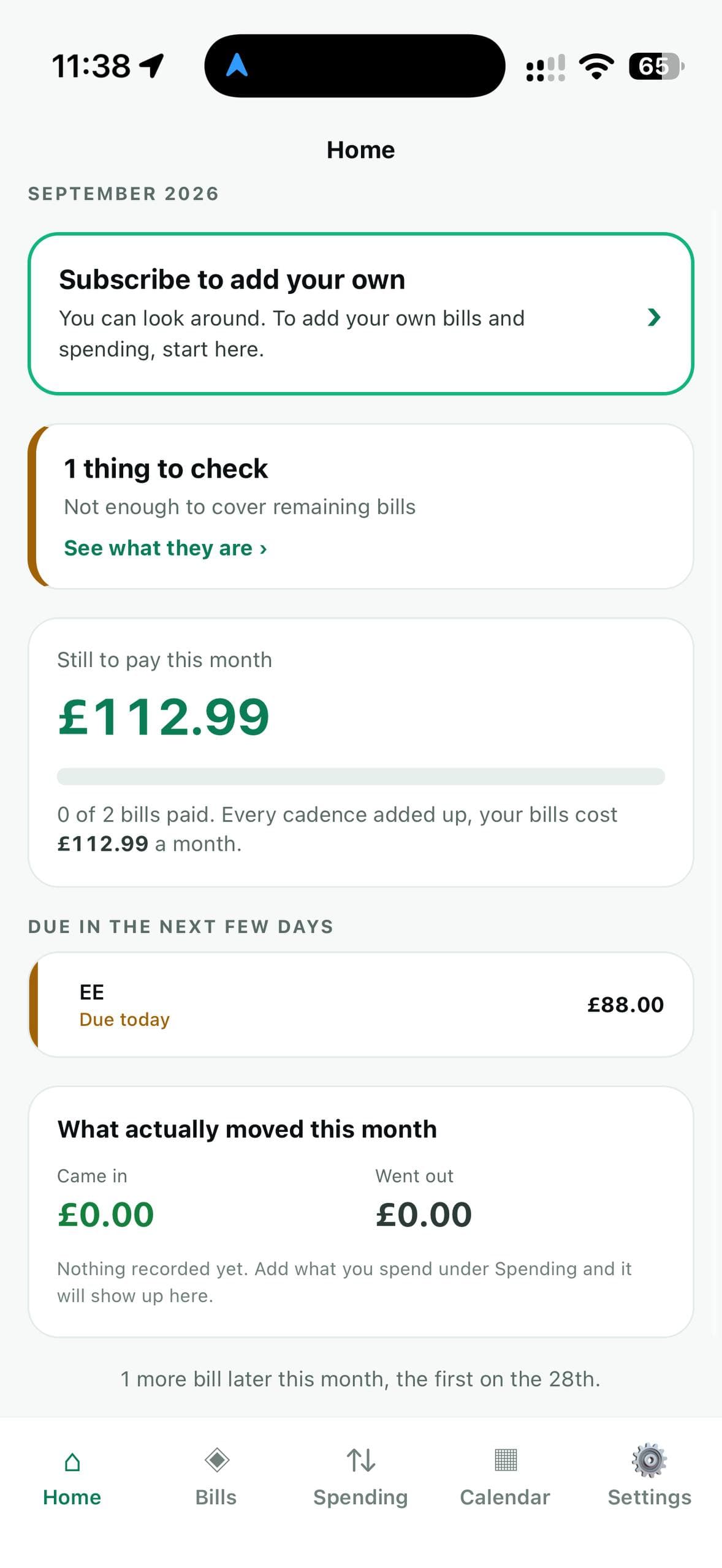
DebitMate for iPhone
Free to download. Look around without subscribing, then try adding your own payments free for 1 week. After that it is £2.99 a month, through your Apple ID.
- No account to create and nothing to sign in to.
- Your figures are kept on your iPhone. Nothing is sent to us.
- Makes no network requests of its own at all.
Version 1.0.0. The App Store listing shows which iPhones and versions of iOS it runs on.
Windows
DebitMate for Windows
For Windows 10 and 11. Free for 30 days with everything switched on, then a licence of your own. Windows pricing
- Version 2.0.0, released 4 September 2026.
- An installer, or a portable version that needs no installing.
- Your records live in
%USERPROFILE%\.debitmate\. Uninstalling leaves them alone.
The Windows download is being updated. Please check back shortly.
The first time you run it, Windows SmartScreen may warn about a new publisher. Choose More info, then Run anyway.
Entering your licence
When you buy, we email you one long line starting DEBITMATE-1. In the app, go to Settings, then Licence, and paste it in. It is checked on your own computer, so it works with no internet.
Coming from DebitMate 1.x?
Your records are brought across on first launch. Your old file is copied before anything is touched, and the old table is kept rather than deleted, so nothing is lost.
What it sends
Once a day, when it can, the Windows app checks its licence with us. That check contains nothing about your money. Every field it sends